
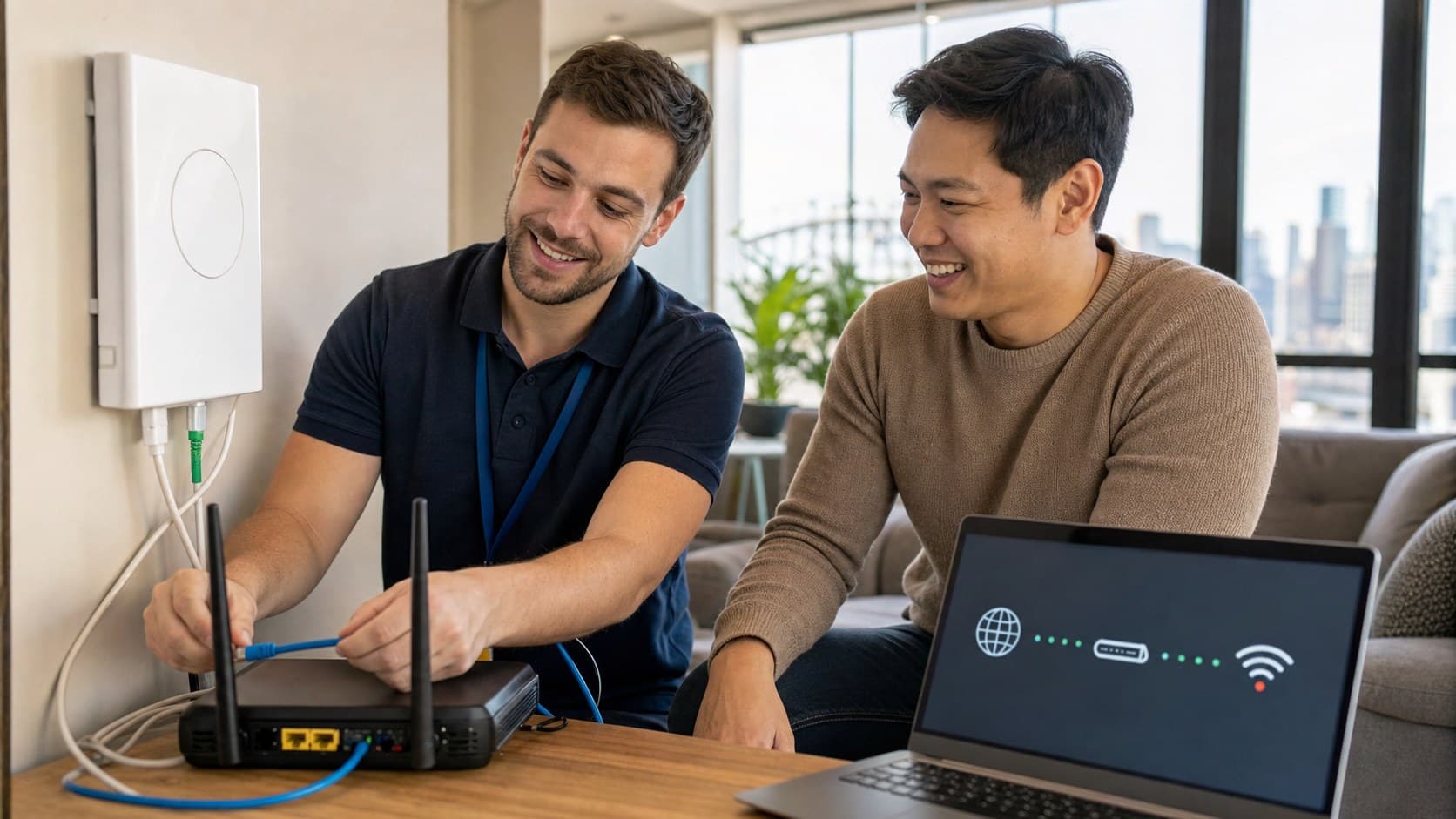
If your NBN box looks connected but you have no internet, separate the NBN connection from your modem, router, and Wi-Fi. The lights can look healthy while the router, cable, provider session, or Wi-Fi network is still failing.
| What you see | Likely meaning | Try next |
|---|---|---|
| Device says connected, no internet | Wi-Fi works but router internet is down | Check router WAN/internet light, provider status, cables |
| NBN box looks normal, router internet light is off | Router, cable, ISP session, or account issue | Restart in order and reseat Ethernet cable |
| One device has no internet, others work | Device setting or Wi-Fi profile issue | Forget network, restart device, test another browser/app |
| Wired laptop works but Wi-Fi does not | Internet is working; Wi-Fi/router settings issue | Reboot router, check Wi-Fi name/password, test range |
| All devices fail after provider change | Router settings or new account activation issue | Contact ISP or technician before factory reset |
Check for provider outages first
Use mobile data to check your internet provider's outage page and the NBN network status page. If there is a known outage, changing settings at home will not fix it.
Restart the NBN box and router in order
Turn off the router and NBN connection box. Wait 30 seconds. Turn the NBN box on first, let it settle, then turn on the router. This helps the router re-establish its connection cleanly.
Check the cable between NBN and router
A loose or damaged Ethernet cable can make the internet fail even when Wi-Fi is visible. Reseat both ends and try a known-good cable if you have one.
Test Wi-Fi against a wired connection
If a wired laptop works but Wi-Fi does not, the internet service is likely fine and the issue is the router or Wi-Fi settings. If wired and Wi-Fi both fail, the problem may be the NBN box, router, provider session, or account.
Avoid factory resets unless you have settings
Factory resetting a router can wipe provider settings and make the outage harder to fix. Only reset when your provider or technician confirms it is appropriate.
What evidence helps support
Write down the NBN box lights, router internet/WAN light, whether Wi-Fi is visible, whether a wired device works, your provider name, and when the outage started. Photos of the NBN box and router cabling can also save time.
Everyday Computing can help diagnose whether the fault is the NBN service, router, Wi-Fi coverage, or device setup, then provide remote, onsite, or pickup support across Sydney.